Framework-detector
Framework Detector
| 中文 | English |
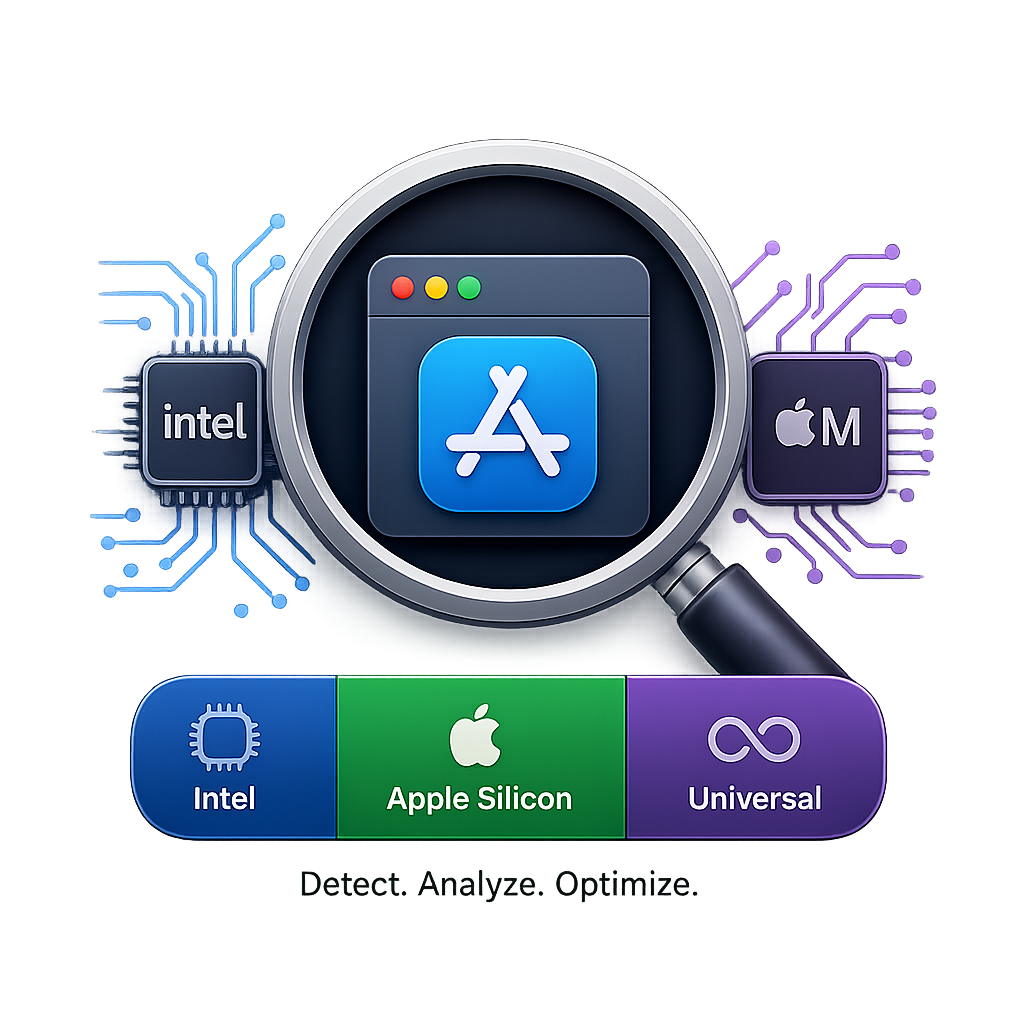
Framework Detector is a powerful and elegant macOS application built with SwiftUI that helps you quickly identify the CPU architectures of your installed applications and command-line tools.
✨ Features
- Deep Architecture Detection: Instantly know if an app is compiled for Intel, Apple Silicon, or Universal.
- Package Manager Support: Seamlessly scans software installed via Homebrew and MacPorts, resolving symlinks to inspect the actual Mach-O binaries.
- Dynamic Hardware Icons: The Apple Silicon icon dynamically adapts to match your current Mac model (MacBook, Mac mini, Mac Studio, iMac, Mac Pro).
- Multi-language Support: Fully localized in English, Simplified Chinese, and Traditional Chinese.
- Auto-Updates: Integrated with Sparkle for seamless, automatic OTA updates.
- Quick Actions: Right-click any app or package to reveal it in Finder or copy its path.
🚀 Installation
- Download the latest
.ziprelease from the Releases page. - Unzip and drag the
Framework detector.appinto your/Applicationsfolder. - Launch the app!
(Note: If you encounter a Gatekeeper warning, go to System Settings -> Privacy & Security -> Open Anyway).
🛠️ Build from Source
- Clone this repository:
git clone https://github.com/Seamain/Framework-detector.git - Open
Framework detector.xcodeprojin Xcode 15 or later. - Ensure the target device is set to My Mac.
- Press
Cmd + Rto build and run the application.
🔐 Permissions
To scan package managers like Homebrew and MacPorts, Framework Detector may require Full Disk Access due to macOS sandbox restrictions.
- The app will gently prompt you with instructions to grant this permission in
System Settings -> Privacy & Security -> Full Disk Accessif necessary.
🔄 Sparkle Updates
This app supports OTA updates via the Sparkle Framework. If you are compiling this project yourself and want to distribute it:
- Ensure the Sparkle dependency is added via Swift Package Manager.
- Generate your EdDSA keys (
generate_keystool) and place theSUPublicEDKeyin yourInfo.plist. - Set your
SUFeedURLin theInfo.plistto point to yourappcast.xmlhosted on GitHub Pages or your own server.
📄 License
This project is licensed under the MIT License. Feel free to use, modify, and distribute it.